A profile needs a site worth pointing at
Lessons 2 to 4 assumed you have pages to write on and a footer to put your phone number in. Plenty of local businesses do not. They have a one-page site from 2017, a Facebook page, and a profile that links to one or the other. This lesson is the build: the structure a local site needs, the technical floor that lets a crawler read it, and a walkthrough of building the site for Halvorsen Plumbing, the fictional Boise plumber from Lesson 1.
The second half uses LocusPilot, which publishes this course. The disclosure is stated where it applies, and the method in the first half works with any builder.
The page structure
A local site is a small set of pages that each answer one question. For Halvorsen that is:
| Page | Question it answers | Count |
|---|---|---|
| Homepage | Who are you, where, and what is the promise | 1 |
| Service pages | How much, how fast, what is included, for each service | 6 |
| Service area page | Do you come to Meridian, Nampa, Eagle, and on what terms | 1 |
| About | Who is Britt Halvorsen, how long, which licence | 1 |
| Contact | Phone, hours, address, a form | 1 |
| Guides | The five questions customers ask on the phone every week | 5 |
Fifteen pages. The six service pages are drain clearing, water heater replacement, burst pipe repair, gas line work, fixture installation and sewer camera inspection, one each, per Lesson 3. Not "Services" as a single page. Not a page for every suburb either; the service-area page names all four cities with the 90-minute promise and the $40 travel fee for Kuna and Star, and the schema in Lesson 4 carries the same list.
The site and the profile tell one story
Three links hold the whole thing together.
The profile's website field points at the homepage, and the homepage's first screen states the service area, the emergency promise and the $89 callout fee, so the page an engine lands on from the profile answers the question the profile implied.
The footer of every page carries the name, phone, address and hours as plain text, character for character as they appear on the profile. Lesson 2's audit sheet is the source; copy from it, not from memory.
The LocalBusiness block from Lesson 4 sits on the homepage, and its sameAs array includes the profile's public
URL along with the Facebook and Yelp pages. That is the machine-readable version of "these are all the same
business".
Plain HTML that a crawler can read
Open your most important service page, view the source, and search for a sentence from the middle of the service description. If it is not there, your content depends on JavaScript executing. Google's own guidance says that while Googlebot renders JavaScript, server-side or pre-rendering is still a great idea because it makes the site faster and not all bots can run JavaScript (Google Search Central, checked 21 September 2026). Static generation or server rendering removes the question entirely.
Then check the plumbing:
- Every important page returns a 200, not a redirect chain or a soft 404.
- One canonical version of the site, so
wwwand non-wwwdo not both serve content. - No
noindexleft behind from a staging environment. - A sitemap. Google says small sites with good internal linking may not need one (Google Search Central, checked 21 September 2026), but it costs nothing and gives you a list of pages to submit in Search Console.
- Every service page reachable within two clicks of the homepage, linked with descriptive anchor text.
Crawler permissions, on purpose
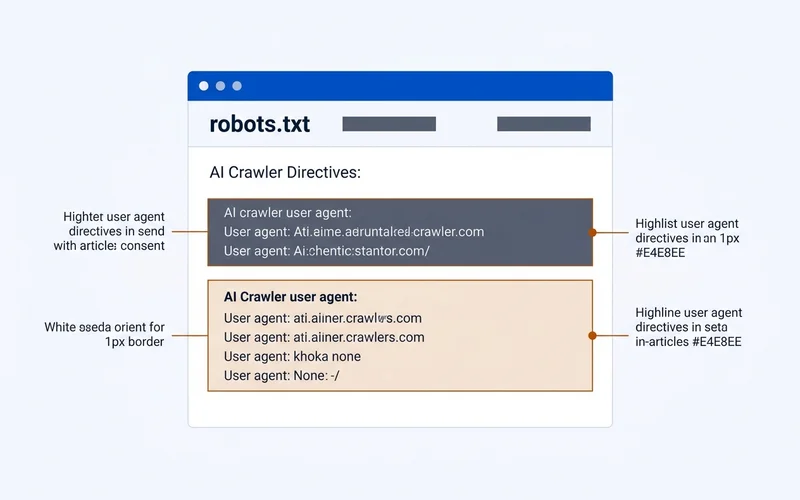
AI crawlers announce themselves with user agents, and the operators document what each one does. OpenAI names GPTBot for training, OAI-SearchBot for ChatGPT search, and ChatGPT-User for user-triggered fetches (OpenAI, checked 21 September 2026). Anthropic names ClaudeBot, Claude-SearchBot and Claude-User with the same split (Anthropic, checked 21 September 2026). Perplexity names PerplexityBot for its index and Perplexity-User for live fetches, and says the user fetcher generally ignores robots.txt because a person asked for the page (Perplexity, checked 21 September 2026). Google-Extended controls whether your content trains future Gemini models and, Google says, does not affect inclusion or ranking in Search (Google Search Central, checked 21 September 2026).
| Crawler type | What blocking it costs you | Typical local business policy |
|---|---|---|
| Search (OAI-SearchBot, PerplexityBot, Claude-SearchBot) | Removal from live AI answers | Allow |
| On-demand (ChatGPT-User, Perplexity-User, Claude-User) | Your page cannot be fetched mid-conversation | Allow |
| Training (GPTBot, ClaudeBot, Google-Extended) | Less general model familiarity with your brand | Allow |
For most local businesses the sensible policy is to allow all of them. You are trying to appear in AI answers, and blocking the fetcher that builds those answers is self-defeating. Halvorsen's file:
User-agent: GPTBot
Allow: /

User-agent: OAI-SearchBot
Allow: /

User-agent: PerplexityBot
Allow: /

User-agent: ClaudeBot
Allow: /

User-agent: Google-Extended
Allow: /

User-agent: *
Allow: /
Disallow: /admin/

Sitemap: https://halvorsenplumbing.example/sitemap-index.xml
Google's robots.txt documentation is worth one read: the file manages crawler access and, in Google's words, is not a mechanism for keeping a page out of Google (Google Search Central, checked 21 September 2026). The robots.txt guide for AI crawlers has block variants if you have a genuine reason, plus the syntax errors that quietly make a file do nothing.
llms.txt and the agent-ready basics
llms.txt is a proposal by Jeremy Howard, first published 3 September 2024, for a markdown file at /llms.txt that
tells AI agents what a site contains (llmstxt.org, checked 21 September 2026). Google's position is that you do not
need AI text files to appear in AI Overviews or AI Mode (Google Search Central, page updated 10 December 2025,
checked 17 September 2026). So: not required, thin adoption, ten minutes, harmless. Halvorsen's version lists the
fifteen pages with one line each and the phone number at the top. The
llms.txt guide has the template.
The rest of "agent-ready" for a local site is unglamorous: plain HTML, one H1 per page, clean H2s that match customer questions, a sitemap, no bot-protection rule in front of the site that challenges legitimate fetchers. Aggressive firewall settings blocking AI user agents are a common and invisible failure.
The walkthrough: building Halvorsen's site with LocusPilot
Here is how the fifteen pages above get built in an afternoon. LocusPilot is an AI site builder for local service businesses; the numbers below are from its public site (locuspilot.com, checked 21 September 2026).
Step 1, the form (about ten minutes). Britt enters the business name, the trade, the four cities served and the six services. The exact strings from the Lesson 2 audit sheet go in here: "Halvorsen Plumbing", (208) 555-0147, 1420 W Main Street, Suite B. Optional: a link to a site whose design to follow.
Step 2, the structure (about five minutes). The tool proposes a page list. Britt trims it to the fifteen pages in the table, deletes a suggested page per suburb, and approves.
Step 3, the build (about two hours, unattended). LocusPilot states that its agents build 30 to 60 pages per site with LocalBusiness and other schema types, llms.txt, robots.txt and a sitemap included, and deploy to Cloudflare Pages. Halvorsen's build comes out smaller because the structure was trimmed on purpose.
Step 4, the facts (about an hour, by hand). This is the part no tool does for you. Britt opens the water heater page and replaces the generated price range with the real one, $1,600 to $2,900 installed. The homepage gets the 90-minute promise and the $89 callout fee in the first screen. The service-area page gets the $40 travel fee line. Photos of the vans and the shop replace the generated images. The hours in the footer are checked against the profile.
Step 5, the checks (about twenty minutes). View source on the water heater page and find the price sentence in
the HTML. Load /robots.txt and /llms.txt. Run the Lesson 4 validators on the homepage. Submit the sitemap in
Search Console. Update the profile's website field to the new URL.
What it costs, as of the check date: a $20 starter trial covers up to 20 pages, and monthly plans run $29 to $297 depending on volume (locuspilot.com, checked 21 September 2026). Hosting on Cloudflare Pages is free, and the source is yours to export.
Disclosure. LocusPilot publishes this course, and the lessons draw on what its builds and their Search Console data show. That is a commercial interest, stated here so you can weigh it. The method above works on WordPress or any builder that outputs plain HTML; the website builder versus WordPress guide carries the same disclosure and gives a decision rule rather than a recommendation.
Confirm it worked
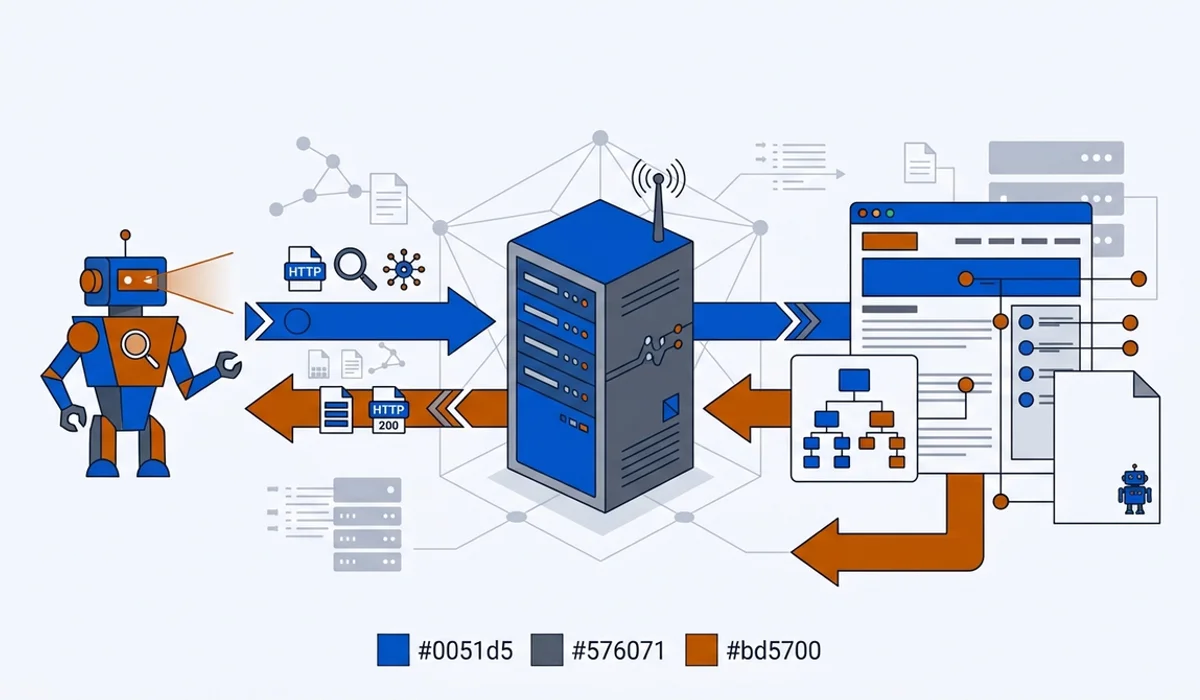
This is the one part of AI SEO you can verify directly. Open your server or hosting access logs and filter for the user agents above. You are looking for three things: that they arrive at all, that they receive 200 responses rather than errors or blocks, and that they are reaching your service pages rather than only the homepage.
If a named crawler never appears, check robots.txt, then any firewall or bot-protection rule in front of your site. Each operator publishes IP ranges so you can tell a real fetcher from a spoofed user agent.
Exercise
Build or restructure your own site to the page list above.
- Write your page list: homepage, one page per service, service area, about, contact, and up to five guides. Eight to fifteen pages.
- Put the profile's exact name, phone, address and hours in the footer template.
- Rewrite the homepage first screen so it states where you work, your promise and one fee.
- Publish robots.txt with the block above, adapted, and a sitemap. Submit the sitemap in Search Console.
- Add llms.txt with one line per page.
- View source on your main service page and confirm the price sentence is in the HTML. Then check the logs a week later for the named crawlers.
Check your work
- Every service you want to be named for has its own page, and there is no single "Services" page doing all the work.
- The footer facts match the profile character for character.
- The homepage's first screen states area, promise and one fee.
/robots.txtloads as plain text at the root and names the AI crawlers on purpose./sitemap-index.xmlor/sitemap.xmllists every page and is submitted in Search Console.- The service description is present in the page source without JavaScript.
- A week after launch, at least one of OAI-SearchBot, PerplexityBot or Claude-SearchBot appears in the logs with a 200.
Sources
- Google Search Central, "Understand JavaScript SEO basics": https://developers.google.com/search/docs/crawling-indexing/javascript/javascript-seo-basics (checked 21 September 2026)
- Google Search Central, "What is a sitemap": https://developers.google.com/search/docs/crawling-indexing/sitemaps/overview (checked 21 September 2026)
- Google Search Central, "Introduction to robots.txt": https://developers.google.com/search/docs/crawling-indexing/robots/intro (checked 21 September 2026)
- Google Search Central, "Google's common crawlers", Google-Extended entry: https://developers.google.com/search/docs/crawling-indexing/google-common-crawlers (checked 21 September 2026)
- Google Search Central, "AI features and your website", page updated 10 December 2025: https://developers.google.com/search/docs/appearance/ai-features (checked 17 September 2026)
- OpenAI, crawler and user agent documentation: https://developers.openai.com/api/docs/bots (checked 21 September 2026)
- Anthropic, "Does Anthropic crawl data from the web": https://support.claude.com/en/articles/8896518-does-anthropic-crawl-data-from-the-web-and-how-can-site-owners-block-the-crawler (checked 21 September 2026)
- Perplexity, crawler documentation: https://docs.perplexity.ai/guides/bots (checked 21 September 2026)
- llms.txt proposal, Jeremy Howard: https://llmstxt.org/ (checked 21 September 2026)
- LocusPilot, public product page and pricing: https://locuspilot.com/ (checked 21 September 2026)